What’s the problem
PlayStation Portable was released in 2004, 22 years ago. It’s old hardware that can develop a lot of problems related to age. From weird sounds coming from the disk drive to a PSP 2000 in a PSP 3000 shell.
There are different ways to become the owner of a PlayStation Portable. But getting a good unit is not easy. A higher price doesn’t necessarily mean you will get a better option.
I will share my own experience with two PSPs, a PS Vita, and other used retro devices, along with experience from the retro community.
Difference in models
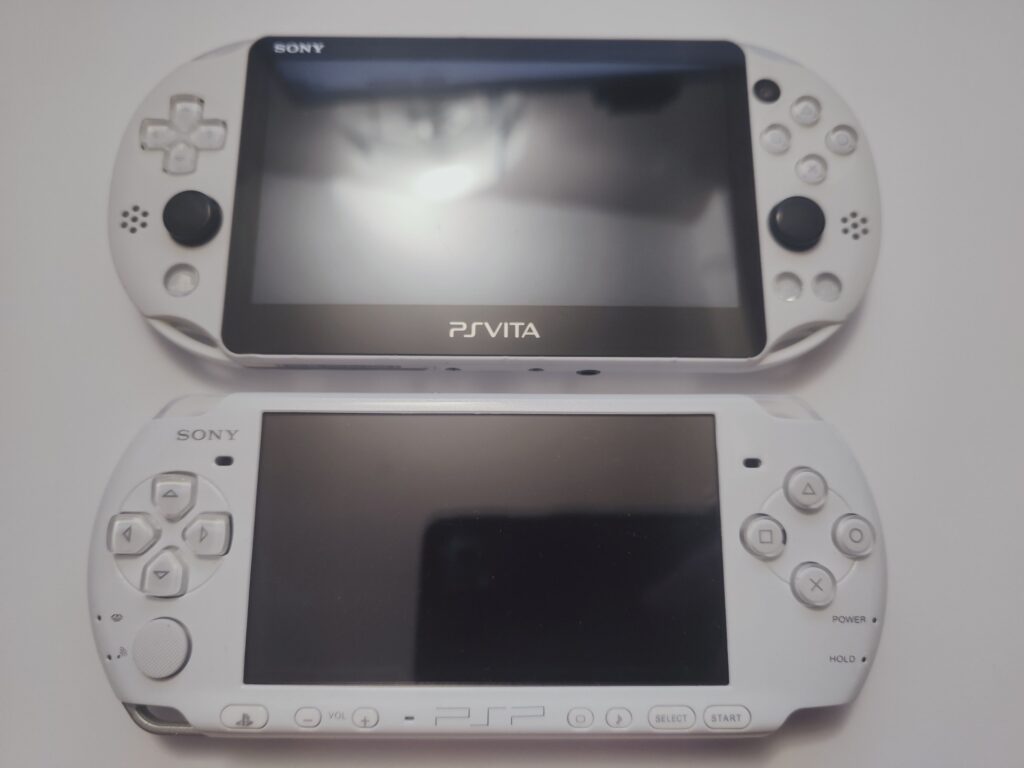
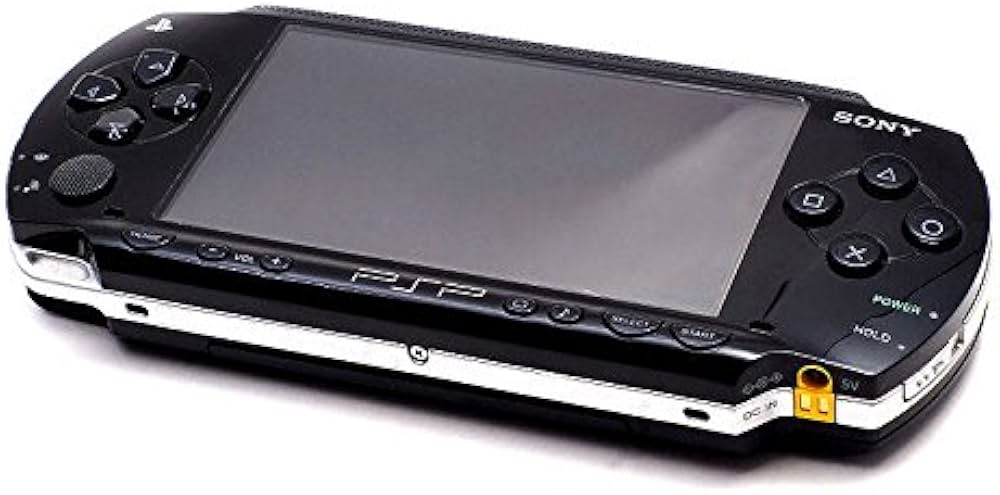
First of all there is the first model PSP 1000 or a fat one. This model is usually praised for the better build quality and better ergonomics. But it has dimmer screen, it’s heavier and has less RAM (rare applications use extra RAM so it’s not a deal breaker. Sony added the extra RAM specifically for Skype on PlayStation Portable). PSP 1000 also lacks a TV output.
PSP 2000 is an ugly duckling between 1000 and 3000 models. Not many people want it. But you can occasionally get it in the shell of 3000 sold as 3000. You still can buy it intentionally for your collection but for general use it’s usually avoided. It’s basically the same as 3000 but screen is worse (more ghosting, dimmer, less vibrant colors) and 3000 has a built in microphone. From personal experience I would prefer the screen of 3000.
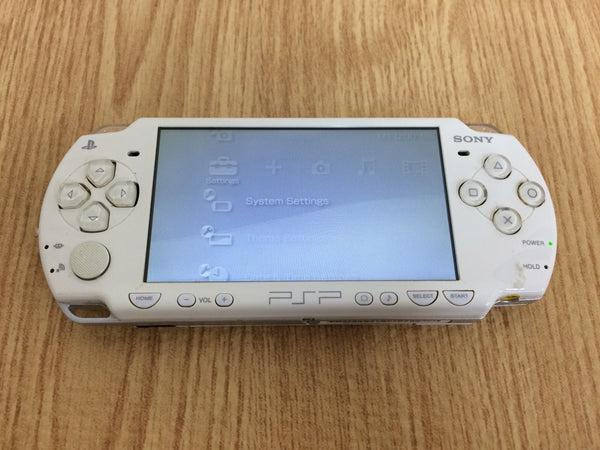
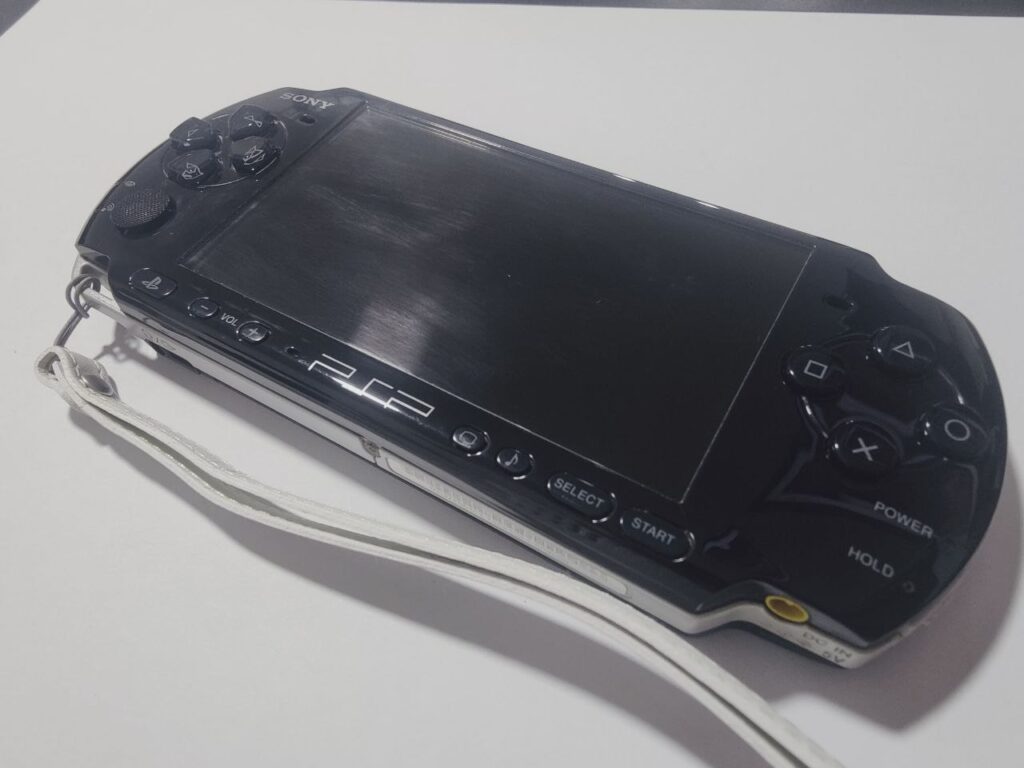
PSP 3000 is probably the best option from the original lineup. It has all the features plus better screen and a microphone. Both 3000 and 2000 models have 64 megabytes of RAM in comparison to 32 megabytes on 1000. But nowadays this RAM is mostly used in some home-brew applications.
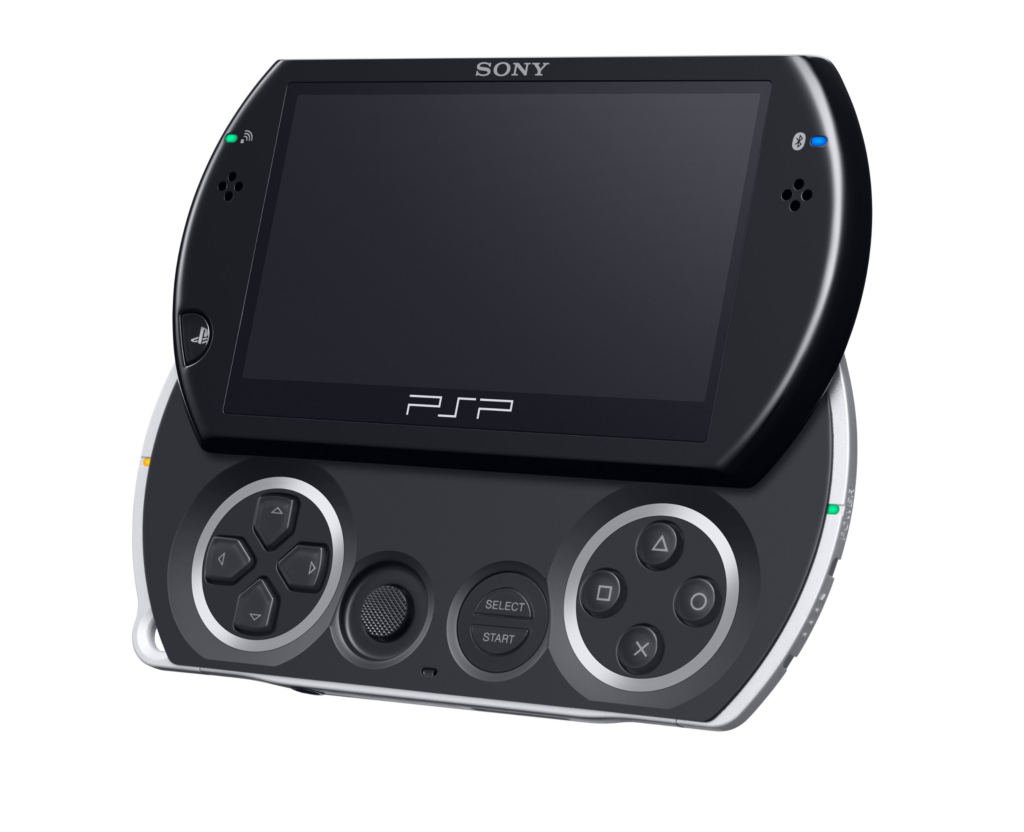
PSP Go has completely different form factor of an ultra portable slider. It lacks UMD drive and has 16 gigabytes of internal storage. Instead of a usual 4.3” screen it packs 3.8” one. 3000 is considered more comfortable to play for a general user.
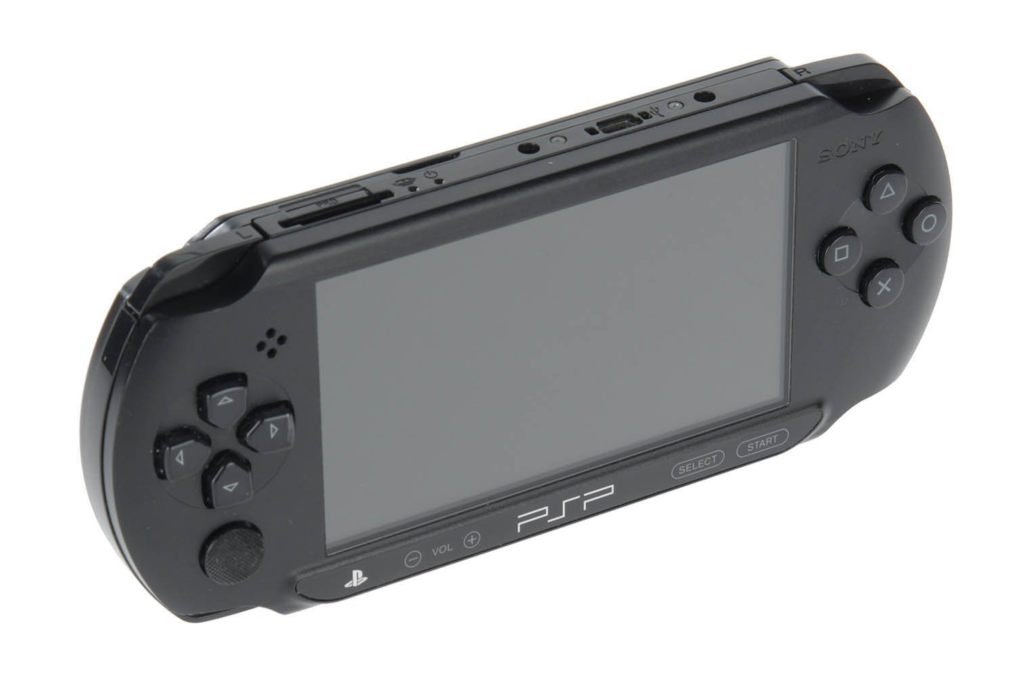
PSP Street is an other ugly duckling among PSP handhelds. There is no wi-fi, mono audio, cheaper screen and no easy battery swap. Overall street was just a budget version of PlayStation Portable.
Where to buy
There is no place to buy PlayStation Portable that will fit all the needs of everyone. All the ways have upsides and downsides.
If you’re going to order the handheld online the cheapest and the most reliable option will be to do so from Japan on Ebay. Resellers from Japan usually describe all the problems with particular units and do better testing so you can make an informed choice.
Moreover they often sell PSPs on auctions. I was able to buy my black PlayStation Portable for 50 dollars with free delivery. For Ebay it’s considered a good deal.
But there is a problem. If you want your PSP to be in English, hacking it will be the only option. A PSP with Japanese firmware will still play games from any region because games are not region-locked. PSP movies, on the other hand, may be region-locked, so just be aware.
The western PlayStation Portable resellers in my experience do less testing and provide less information. They check if the device turns on, take photos of the shell defects and that’s it.
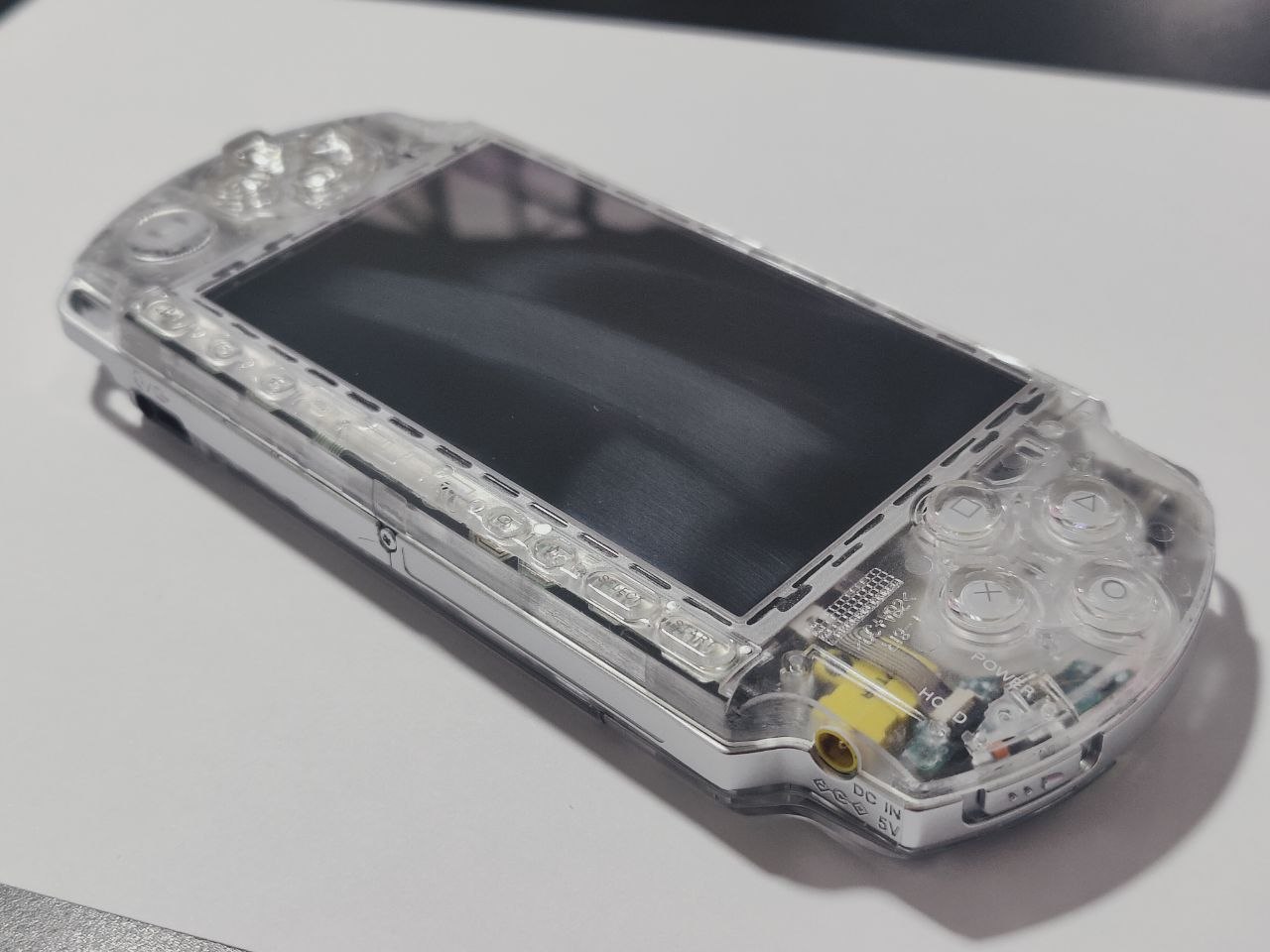
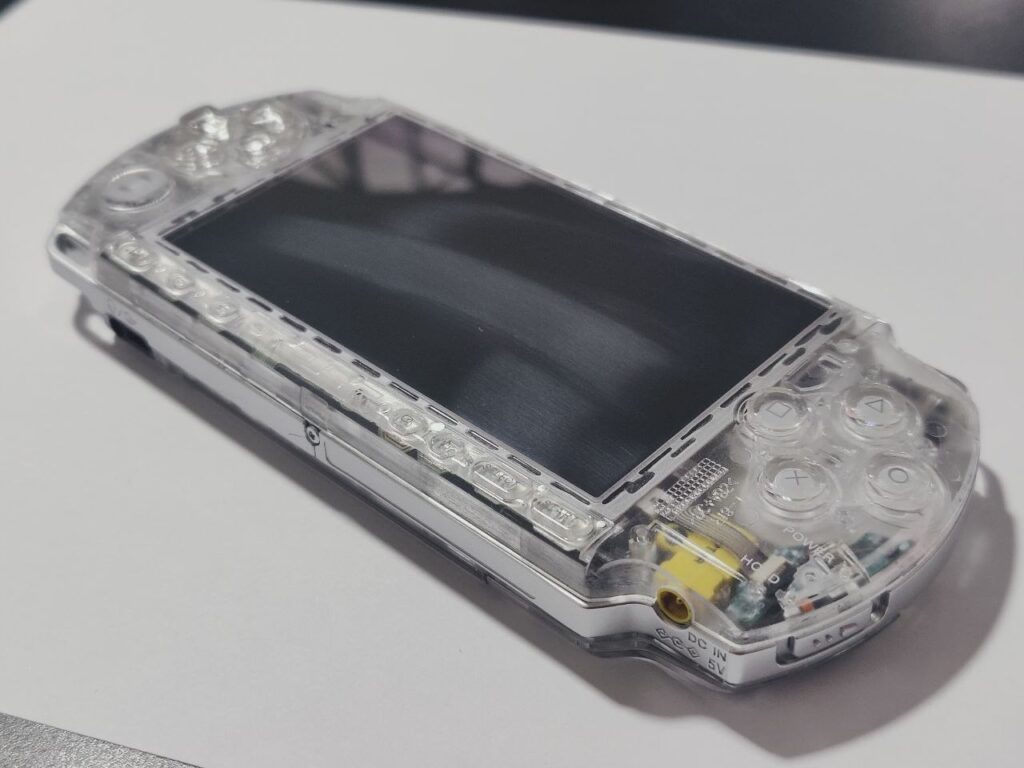
They see PSP 3000 and they sell it as PSP 3000. But what’s inside the shell, you can find out only in person. It’s a good idea to avoid re-shelled devices. However, if the seller doesn’t state it themselves, it can be hard to spot an aftermarket shell from photos of the device.
When you buy a shell for a PlayStation Portable, it comes together with fake warranty stickers for battery compartment. This allows you to make your re-shell to look original, complete with sealed screws.
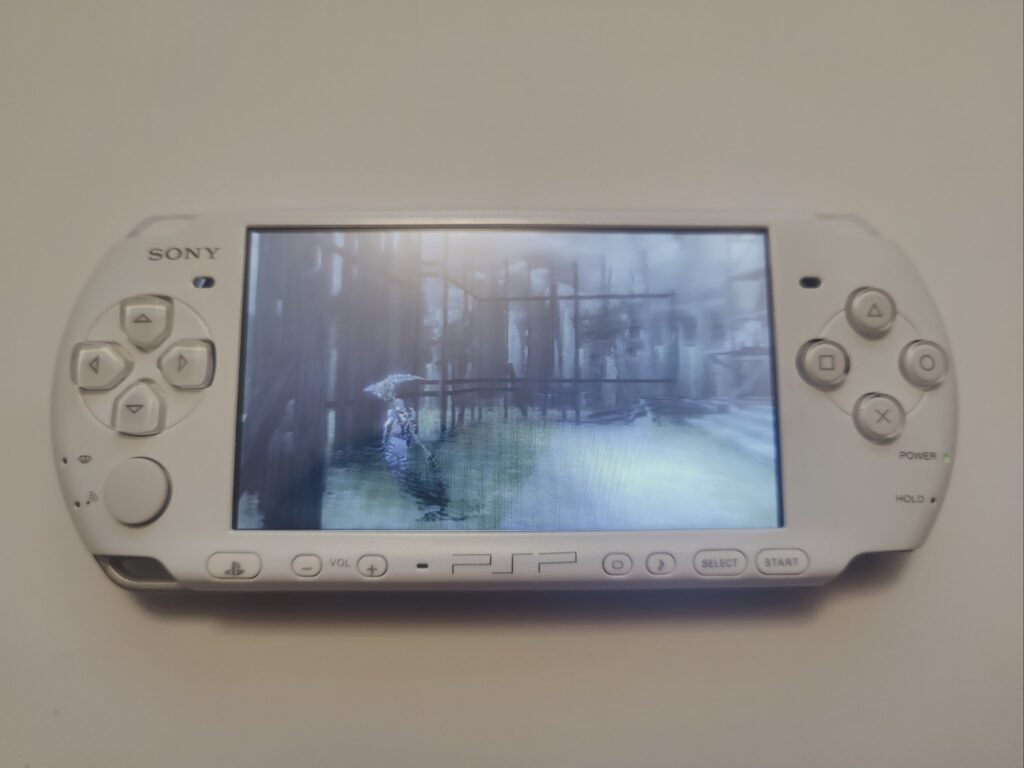
The aftermarket shells are still not of the same quality as original ones. Look for inconsistency of symbols on buttons. Compare it to the photos of the original PlayStation Portable. For example on my old white shell that came with PSP 3000 you can notice that volume button symbols are shifted.
Local resellers are another topic. At least in my experience, in Eastern Europe they are worse than western online resellers. I bought my PS Vita from a guy in my country through a local delivery. The price was higher than on ebay, but I felt more secure doing it this way. I payed more than I would have if had ordered it from Japan. The seller promised that the shell condition of PS Vita was perfect.
Perhaps you have already imagined the outcome. It had one big caveat around the game card compartment.
When I accused the seller of lying, they simply said they weren’t lying. It was their friend who was selling PS Vitas through them, so they didn’t know about the damage and the other person had shipped the console. They refunded part of the money, but overall it was a bad deal.
The best case scenario when buying locally would be to buy it from the original owner. There are a lot of stories on Reddit in the PlayStation Portable community where people get their PSPs on garage sales for the really low prices.
It’s really worth it to take a look on the console in person. Check the screen. Colors of PSP 2000 will look slightly washout and not crisp, while PSP 3000 has noticeably better colors, but scan-lines may be noticeable if you look closely.
It will also be a great idea to have a game with you so you can test the UMD drive.
Conclusion
I personally think the best way to buy a PlayStation Portable is to buy the cheapest option of PSP 3000 and then to re-shell it. I wrote a guide for re-shelling.
Opening your PlayStation Portable will tell you a lot of information about it like the motherboard version and is it using an original screen or not.
It’s an old device so it requires service. But on the bright size PSP is really durable and easy to service.